Understanding the Users Page
The user page allows administrators to add users and set their permissions for access to data.
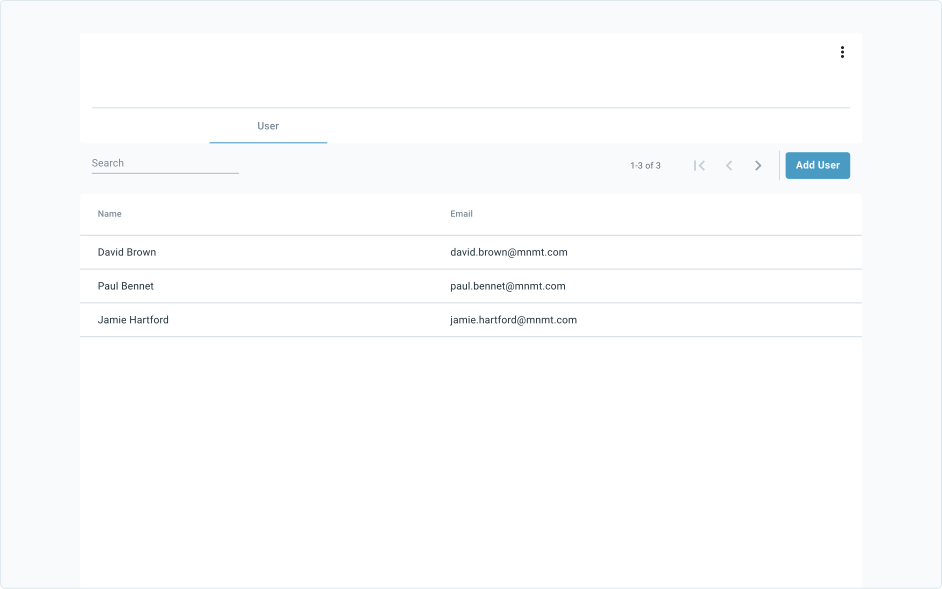
User Table
| Column | Description |
|---|---|
| Name | First and last name of user. |
| The email address the user will use to sign up and log in to their account. |
Filtering the User Table
Users can reduce the content to show only what is wanted at the time by using filter options.
| Types | How to use | How to remove |
|---|---|---|
 | Allows users to look up specific user names. | Select the X to the right of the filter. |
To learn how to navigate the data table click here.