Add a Billing Request
1. Open Upload Screen
- To open the upload screen, select the
 button located at the top right corner of the page.

2. Add Request File
- Before adding a file the user must first ensure it is in the correct format.
Accepted Files
Only CSV's will be accepted.
If you do not already have a CSV template you can download the template from the dialog by selecting the click here at the bottom.


How to Upload the CSV
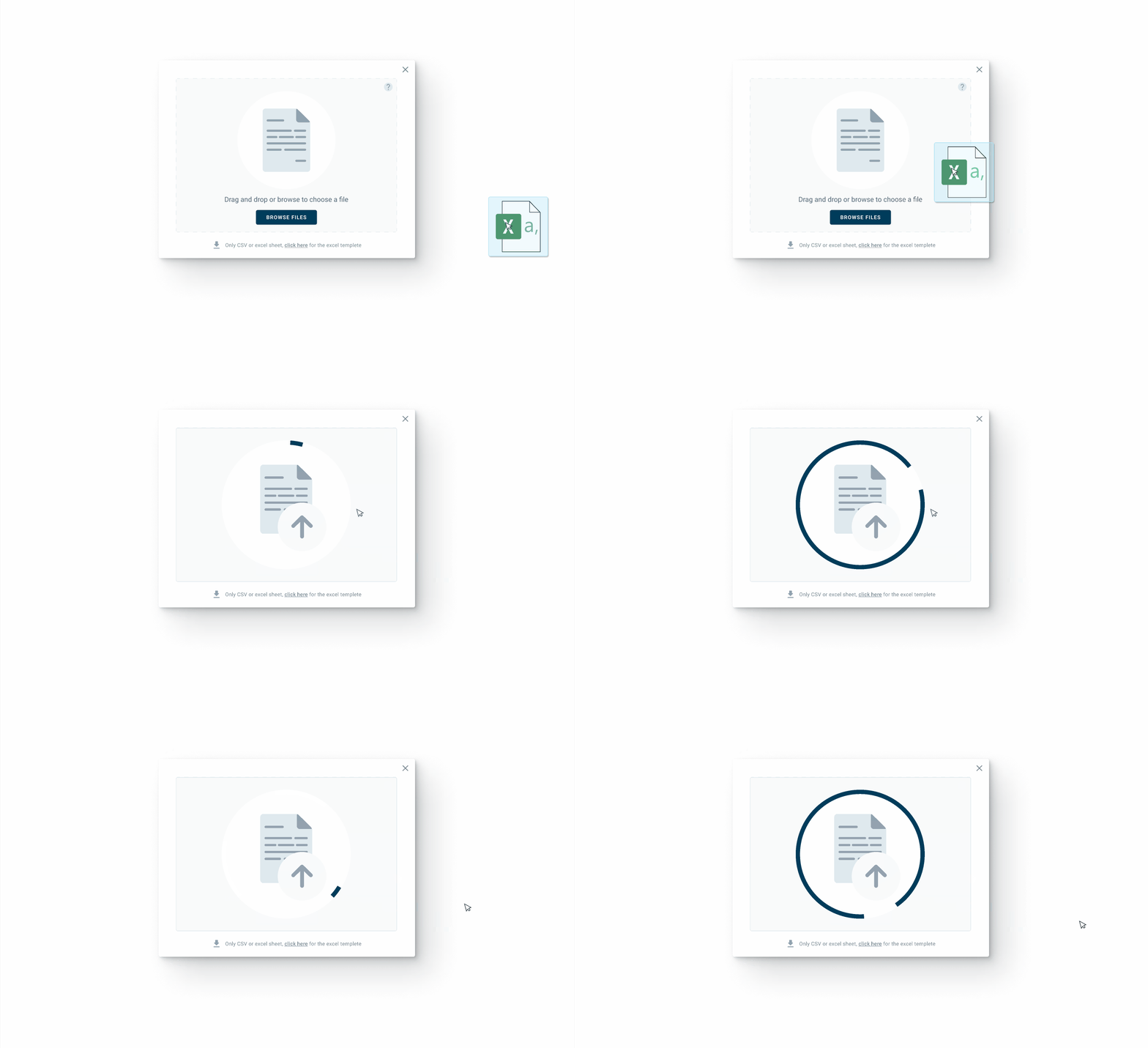
There are two different ways to add a file.
- Select the
 button to open your file explorer directly from the window.
- Drag the CSV file over the dialog and drop.
3. Insert Organization

After the CSV is downloaded, a summary screen will appear like the one above.
Insert the correct organization by selecting the input field and begin typing.
4. Submit Request
After ensuring the input field has the correct organization name, hit submit.
If successful, the request will appear on the user's billing request table with either a matched or pending match status.
- Click here for information about match status.
Errors
Select the error message that matches yours to get an explanation and a solution.
The file must be a csv
Header with name: Reference Type, Reference Number, Container Number could not be found
There are rows with missing values on lines: (#)
There are rows with invalid reference types on lines: (#)
Please enter a valid organization name
File Type
The file must be a csv
If you received the above error message your file is not in the correct format.
Please double check your file and ensure it is a CSV file.
Your file name should end with .csv
Click here for more information about file types.
Header Errors
Header with name: Reference Type, Reference Number, Container Number could not be found
The system searches for specific headers, if the headers do not match the template they will be considered missing.
Examples:

Click here for more information about file types.
Missing Information
There are rows with missing values on lines: (#)
Please double check your file to ensure there’s nothing missing.
Examples:

Click here for more information about file types.
Incorrect Information
There are rows with invalid reference types on lines: (#)
System will only accept BL or BN.
BN: Booking Number (export)Examples:

Click here for more information about file types.
Organization Name
Please enter a valid organization name
No Name
The input field cannot be left blank.
Not in the system
The organization must already be in the system.
If the dropdown does not show the organization name that could mean:
The organization is not in the system.
The name is spelled wrong.
The user does not have access to that organization.
Click here for more information about organizations.